
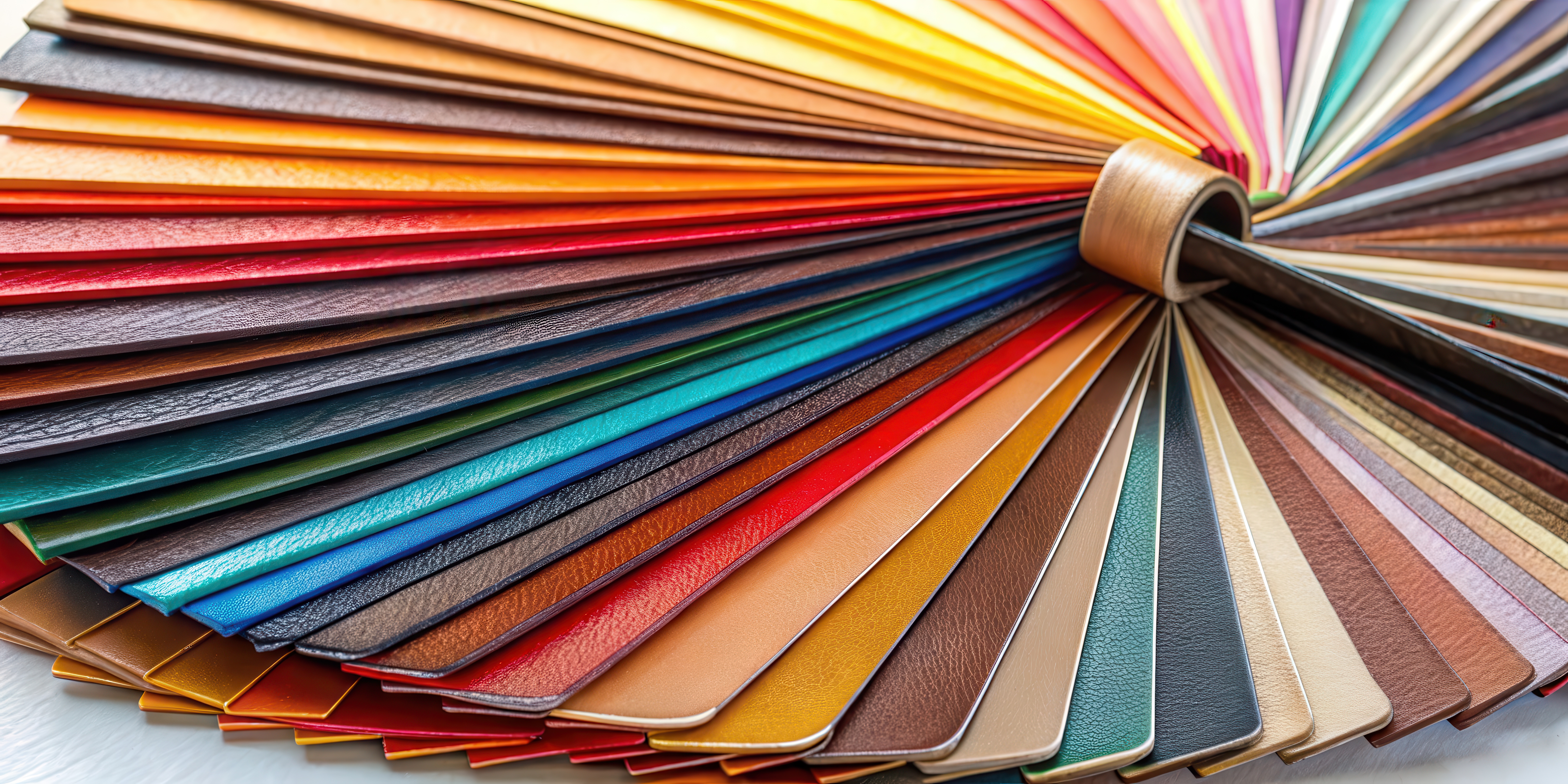
You’ve just printed a stack of beautiful catalog pages, glossy covers, crisp product shots, all ready to impress. There’s just one problem: they’re still loose pages.
If you want your catalogues to look polished, durable, and ready to wow, it’s time to bind them. Learning how to bind your own catalogues isn’t just about saving money, it’s about taking creative control. You decide the finish, the size, and the flair that fits your brand. Plus, the process is easier (and more satisfying) than you might think.
Let’s walk through how to bind your catalogues like a pro, with a few tips that make the results feel anything but DIY.
Why Bind Your Own Catalogues?
Because you’re resourceful, and because it’s worth it. Whether you’re creating marketing materials, internal product lists, or your brand’s next lookbook, binding your own catalogues gives you:
- Creative control: You choose the finish, size, and binding style.
- Faster turnaround: No waiting for a print shop or production queue.
- Budget-friendly flexibility: Professional results without the professional price tag.
- A little bragging rights: Because seeing your work come together, exactly how you envisioned it, and doing it yourself, never gets old.
Binding in-house isn’t just smart; it’s empowering. You get a finished product that looks great, feels premium, and represents your brand exactly how you envisioned it.
What You’ll Need Before You Start
Before you begin, gather your DIY toolkit. A little prep makes the process smooth and satisfying:
- Printed pages: Double-sided and in order, for obvious reasons, this matters. It’s how all books, pamphlets, catalogs, and magazines are bound.
- Binding method of choice:
- Staple binding: Perfect for smaller catalogues. A long-arm stapler and a steady hand are all you need.
- Coil or comb binding: For a polished, flexible finish. You’ll need a binding machine and spines, easily found online or at office supply stores.
- Saddle stitch: The classic magazine style. Fold pages in half and staple along the center. Bonus points if you nail that straight fold on the first try.
- Perfect binding: The real deal, softcover book style. You’ll need a strong adhesive or glue gun, patience, and precision.
- Paper cutter or trimmer: For clean, even edges.
- Ruler and bone folder (optional): To score folds and smooth creases.
- Covers: Use thicker cardstock or add a transparent acetate sheet for that professional “fresh off the press” finish.
Step-by-Step: How to Bind Your Own Catalogues
- Organize your pages – Start with your cover and ensure everything’s in the right order.
- Choose your binding method – Match the method to your materials, page count, and desired look.
- Assemble your stack – Align everything neatly; precision counts here.
- Bind away – Staple, coil, or glue your pages together, taking your time for clean results.
- Trim the edges – Use your cutter for that bookstore-worthy finish.
- Admire your work – Fan those pages and take in your masterpiece.
Pro Tips for Picture-Perfect Results
- Print a few extra covers, you’ll thank yourself later.
- For thicker catalogues, go with coil or perfect binding for durability and a professional look.
- If your catalogue runs 100+ pages, consider outsourcing to a print professional (like Applied Innovation) to protect your wrists—and your sanity.
- Add a title page or back cover design to elevate your brand’s polish and presentation.
The Final Page: Bringing It All Together
Binding your own catalogues turns a pile of pages into something real, tangible, and uniquely yours. It’s about more than presentation, it’s about pride in what you create. Once you’ve done it yourself, you’ll never look at store-bought catalogues the same way again.
And if you’re ready to take your print projects to the next level, Applied Innovation can help. From printing and imaging solutions to professional binding and document workflow, we make it simple to bring your ideas to life, without the stress.
Explore how Applied Innovation can help you create professional, high-quality print materials that make a lasting impression.